
 Distribution PL · 4REF
Wipcool CSC-1 user manual
Read the entire manual before first use. Keep it for as long as you use the device.
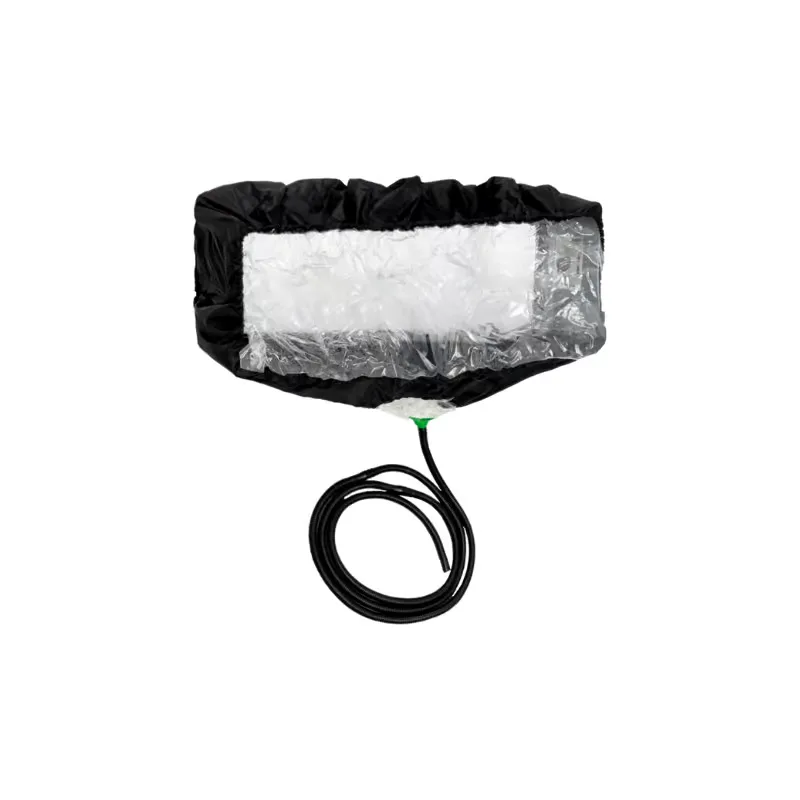
Wipcool CSC-1 user manual
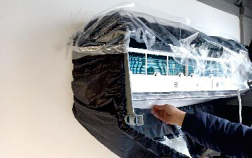
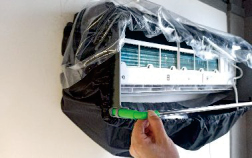
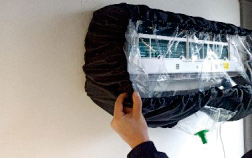
The Wipcool CSC-1 AC cleaning cover collects water when cleaning wall-mounted split system units and drains it through a drain hose. The adjustable support bracket fits different units, while the transparent front sheet allows you to check the cleanliness of the fins and prevents splashes.
The user manual is an integral part of the product. Please read this manual carefully and follow all instructions closely.
Symbols and conventions
Symbols and markings used on the product and in the manual:
- 01
 Dangerous voltage - risk of electric shock.
- 02Warning:Information about a risk to health or life.
Technical specifications
Construction
The cover is sealed with waterproof PU tape.
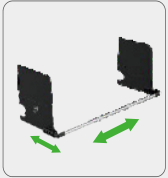
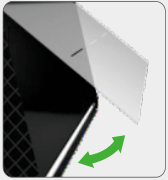
The cover has 4 transparent rear sheets.
Installation
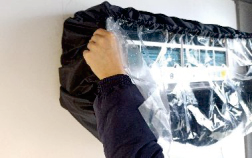
How to use
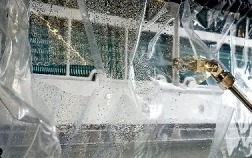
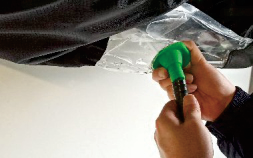
Insert the pressure washer nozzle through one of the 3 openings in the transparent front sheet.
Service and documents
Before submitting a service request, have the following ready:
- ■Model - shown on the product label and invoice.
- ■Serial number - if there is none, provide the production number (e.g. 11/2025), usually found on the underside of the product.
- ■Proof of purchase - an invoice or receipt from an authorised distributor.
- ■Description of the fault - what is happening, since when and under what conditions.
You can submit a service request at wipcool.pl/serwis. You will also find the warranty terms there.